
ByeByeDPI
Screenshots
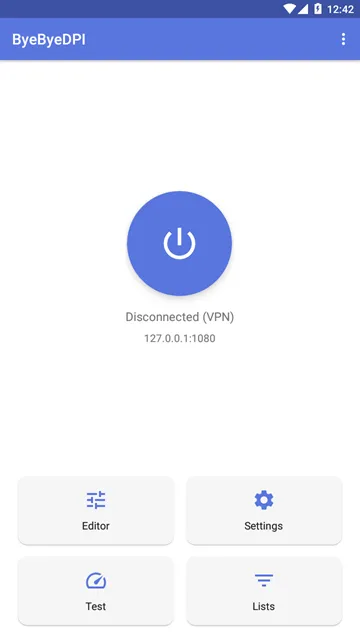
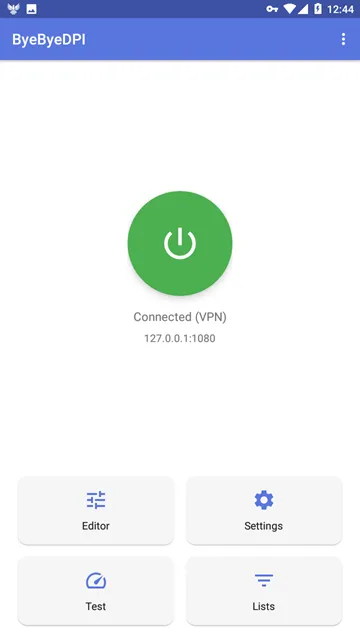
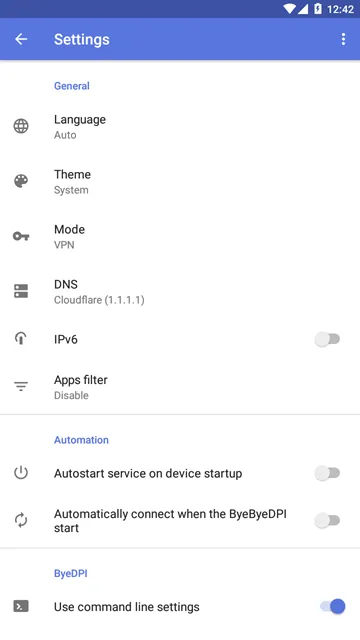
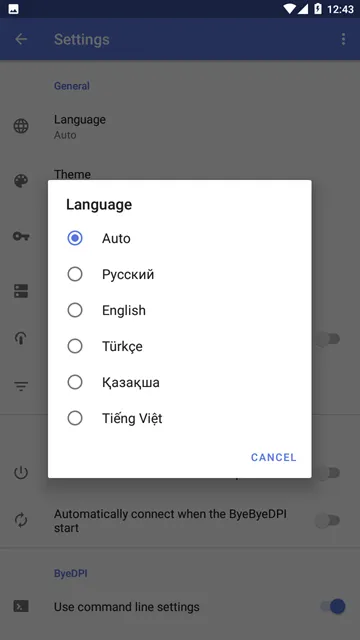
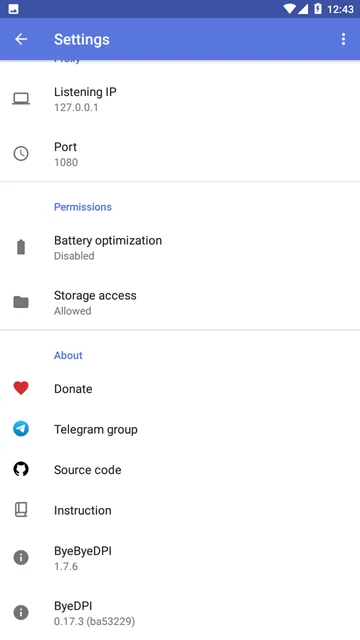
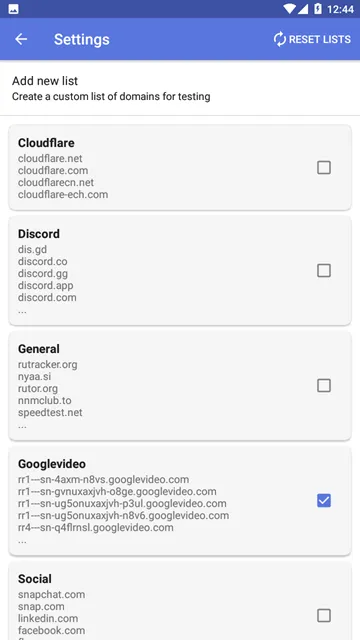
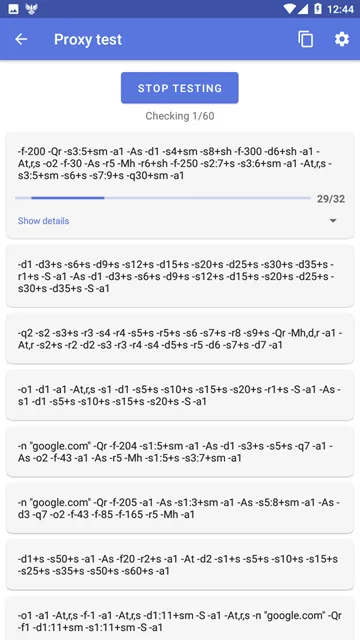
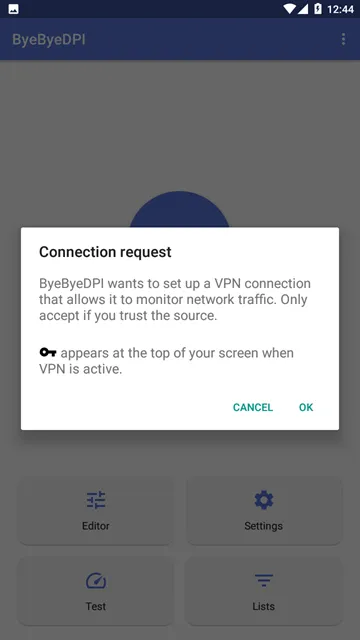
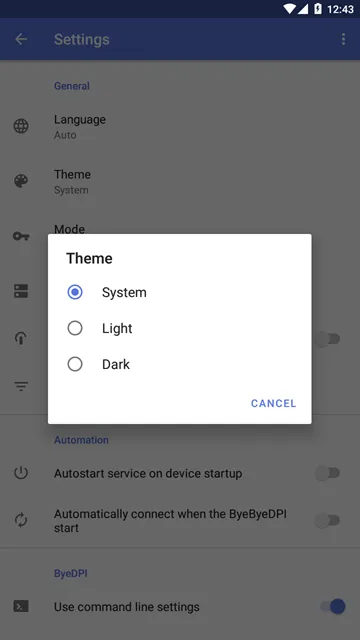
ByeByeDPI offers an outstanding method to restore open internet access on your mobile device. This application bypasses aggressive web blocks without using standard proxy servers. Many network providers analyze your personal traffic to enforce strict censorship rules. However, this application manipulates network packets right on your smartphone. Consequently, local censorship firewalls fail to recognize your target destinations.
You can access your favorite applications and websites without unnecessary delays. The application establishes a local proxy system to handle all outbound requests. Therefore, your private mobile traffic never travels through slow external nodes. This clever method maintains your original connection speeds perfectly.
You do not need to register an account to enjoy these direct benefits. The interface remains clean and accessible for every user. You simply tap a single button to gain complete internet freedom immediately.
What Is ByeByeDPI and How Does It Bypass Restrictions?
Deep Packet Inspection technology helps providers scan your web traffic easily. These systems check the destination headers of every request you send. If a website appears on a blocklist, the firewall stops the connection. Standard applications usually encrypt your data to hide these destinations. However, encryption often adds massive latency to your mobile browsing experience.
This application utilizes a completely different strategy to solve the problem. It splits your data packets into tiny, irregular fragments. The local censorship filters look for complete headers to identify blocked websites. Because the fragments arrive out of order, the filter misses the target keywords. Then, the destination server recombines the fragments perfectly.
The application sets up a local SOCKS5 proxy server inside your phone system. It hooks into the native network management tools to catch outbound data. Most importantly, it performs all these operations locally without external routing. Your internet service provider still detects your original IP address. But the provider cannot see which blocked pages you choose to open.
This approach eliminates the need for expensive subscription plans. You can run the application continuously without consuming massive system memory. It provides a lightweight solution for users who face constant internet restrictions.
Key Features of the ByeByeDPI App
This application includes multiple advanced utilities to customize your connection behavior. Users can access these tools directly through the main options menu. The following sections outline the most important options inside the application.
Automated Startup Option
The application provides an automated service launch mechanism for continuous protection. You can activate this feature inside the general settings menu. Consequently, the application begins running immediately after your device completes its boot sequence.
You do not need to open the tool manually after restarting your phone. This saves considerable time and ensures constant access to the open web. The service runs quietly in the background without interrupting your daily device activities.
Custom Split Tunneling
You can determine exactly which installed applications use the local proxy service. The split tunneling feature allows you to create specific whitelists and blacklists. For example, you can allow your web browsers to use the packet modification system.
At the same time, you can exclude your local banking applications entirely. This prevents security alerts from sensitive apps while keeping your web browsing completely free. You enjoy total control over your device’s network environment.
Command-Line Parameters
Advanced users can adjust the packet manipulation tactics by using custom scripts. The application lets you modify the exact command-line parameters directly inside the user interface. You can save multiple configuration lists for different network environments.
Then, you can switch between these strategies with one simple tap. This flexibility helps you defeat even the most complex network blocks. You can adapt the configuration as soon as your provider updates their filtering firewalls.
Android TV Integration
The developers created an interface that scales beautifully to larger television screens. You can install the application on smart TVs and set-top boxes without compatibility issues. The application menus respond to standard remote control buttons perfectly.
As a result, you can unblock streaming platforms on your television effortlessly. You will not need any extra hardware to enjoy global media content. The visual setup remains clear and easily readable from across the room.
Seamless Configuration Export
Sharing your customized settings between multiple mobile devices requires very little effort. The application features a dedicated configuration import and export tool. You can save your carefully tuned parameters into a small text file.
After that, you can send this file to your other tablets or phones. Importing the file configures the application instantly without manual setup steps. This makes managing multiple devices incredibly fast and simple.
How to Download and Install ByeByeDPI APK
Acquiring the latest version of this application takes only a couple of minutes. You should download the APK file safely from our website to ensure a clean installation. Follow these simple steps to install the application on your mobile device:
- Fetch the APK File:
- Tap the download link on our website to fetch the latest APK file.
- Monitor the Download:
- Wait for the download process to complete entirely on your phone.
- Access Security Settings:
- Open your system settings app and locate the privacy or security tab.
- Enable Unknown Sources:
- Turn on the option that permits installations from unknown sources.
- Locate the Package:
- Open your file manager app and navigate to your main downloads folder.
- Execute the Installation:
- Tap the downloaded APK file and click the install button to finish.
Then, you can find the application icon sitting in your main application drawer. Open the application to begin the initial configuration process. The application will immediately request permission to establish a local network tunnel. You must grant this permission so the tool can manage your data packets. After that, pick your preferred configuration and tap the start switch.
ByeByeDPI App Tips and Tricks
Adjusting specific settings inside the application can drastically improve your connection stability. Different internet providers use various methods to filter web traffic. Therefore, you should optimize the application to match your specific network conditions.
Use these proven tips to maximize your browsing performance:
- Specify a reliable custom DNS address like 8.8.8.8 inside the network settings.
- Activate the HTTPS desynchronization switch to fix loading errors on secure sites.
- Enable the fake packet method to confuse strict inspection firewalls more effectively.
- Change the split position value if certain web pages load slowly or fail entirely.
- Remove the application from your system battery saver list to prevent background closure.
Moreover, you should clear the application cache if you encounter unexpected connection drops. If a particular application acts strangely, use the split tunneling tool to bypass it. Regular updates to your command parameters will keep your connection stable over long periods.
ByeByeDPI App Pros and cons
Weighing the strengths and weaknesses of this tool helps you maximize its utility. Every network application has specific trade-offs that you should understand before installation.
Here are the primary advantages of using this application:
- The application functions perfectly without requiring root access on your device.
- It maintains your maximum internet speed because it avoids external servers entirely.
- The tool features a clean open-source design with no hidden advertisements.
- It includes deep customization options for advanced network engineers.
- The interface supports seamless control via standard television remotes.
Here are the primary disadvantages of using this application:
- It does not change your public IP address or hide your location.
- The tool does not encrypt your traffic, so it does not replace a security tool.
- The advanced settings menu can feel intimidating to casual users.
Final Thoughts on Using ByeByeDPI Safely
ByeByeDPI provides a refreshing approach to defeating internet censorship on mobile systems. It avoids the severe slowdowns associated with standard encrypted networks. By rearranging data packets on your device, it keeps your web browsing fast and fluid. Consequently, you can access information freely without dealing with artificial digital borders.
You should download the application from our website today to reclaim your online freedom. We provide the most stable APK file to ensure a flawless setup process. Take control of your internet connection and enjoy unrestricted browsing right now.